A certified Power BI custom visual is one that has passed a review by the Power BI team at Microsoft. It's optional for the developer, but it decides whether the visual works in a few places report authors care about: exporting to PowerPoint or PDF, emailed report subscriptions, and organisations that only allow certified visuals. Here's what the review is and how to check a visual yourself.
What the review checks
Certified visuals are visuals on AppSource (Microsoft's store for add-ons) that meet the Power BI team's code requirements and testing. The point of the tests is to check that the visual doesn't access external services or resources.
From Microsoft's requirements page, the code can't:
- make HTTP or WebSocket requests, or use
fetchorXMLHttpRequest - use
innerHTMLwith user data or user input - run arbitrary or dynamic code such as
eval() - throw JavaScript errors in the browser console, for any input data
The code also has to use only public, reviewable open-source libraries, sanitise anything it adds to the page, and support Power BI's Rendering Events API. The developer has to make the source code available to Microsoft's reviewers. It doesn't have to be public, but the reviewed source has to match the package that was submitted.
Two things Microsoft says about the limits of this. Visuals that aren't certified aren't necessarily unsafe. Some just can't be, for example a map visual that calls an outside service. And Microsoft isn't the author of third-party visuals, so it advises customers to contact the author to verify what a visual does. Certification is a code review and a set of tests, not an endorsement of every feature.
What certification unlocks for you
| You want to | Certified visual | Uncertified custom visual |
|---|---|---|
| Export a report to PowerPoint | Supported | Not supported |
| Export a report to PDF | Supported | Not supported |
| Get the visual in emailed report subscriptions | Shown in the email | Shows an error symbol |
| Use it where the admin allows only certified visuals | Renders | Returns an error message |
The export and subscription rows are the ones I'd check before standardising on a visual. Microsoft's export pages list custom visuals as unsupported, with the exception of certified ones. A report that looks fine in the browser can be greyed out at the Export menu, or come through an email subscription with an error symbol where your chart should be. That's a bad surprise to find out after the report is in front of managers.
Microsoft's pages describe what's supported, and I'm not going to promise more than that. Exports have their own limits that apply to every visual, such as a fixed page resolution and a maximum number of pages, so check the export docs for those.
The admin setting
A Fabric administrator (the person who runs Power BI settings for the organisation) can switch on a tenant setting called Add and use certified visuals only. Microsoft's description is that once it's enabled, only certified visuals render in the organisation's reports and dashboards, and visuals from AppSource or from files that aren't certified return an error message. It's off by default. It doesn't apply to visuals the admin has added to the organisation's own visual list (the organisational store).
If you work somewhere with strict IT policies, this is the reason a visual can work on your colleague's tenant and fail on yours. The setting also has a Power BI Desktop equivalent through group policy.
How to check whether a visual is certified
- On AppSource: a small yellow badge on the visual's card marks a certified visual, and its page shows a yellow "PBI Certified" badge.
- Inside Power BI (Desktop or the Service): when you import a visual from the store, a blue badge marks the certified ones. There's also a Power BI Certified filter, which shows only certified visuals.
- If you can't see a badge: Microsoft says the badge should appear within three weeks after a submission is approved, so a very new visual may not show it yet. If it matters, ask the author.
A quick practical test is to put the visual in a report, publish it to a test workspace, and try Export to PowerPoint and a subscription email. If the visual isn't certified you'll find out in a couple of minutes.
The Zentrix visuals
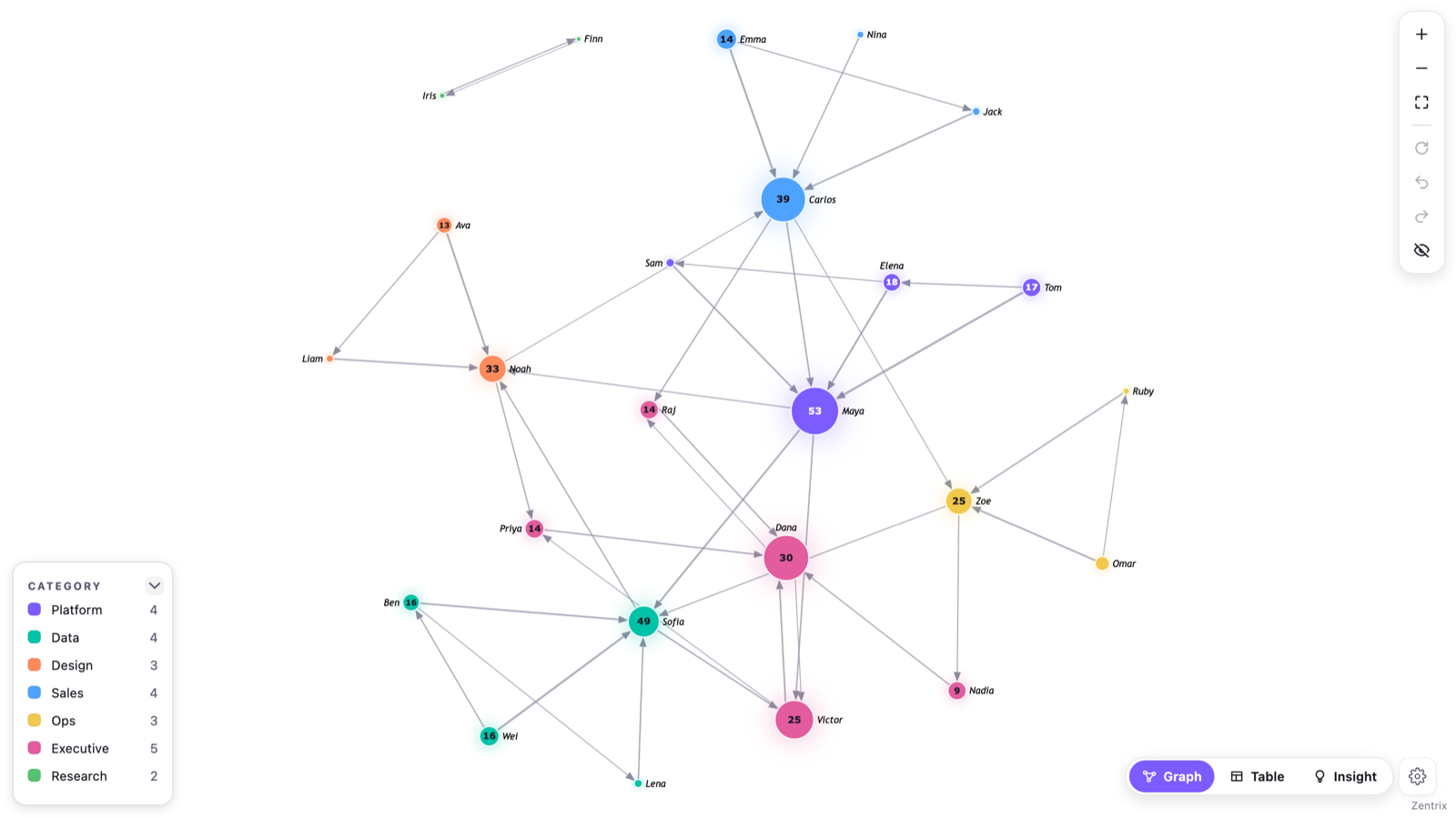
All four of ours are certified: Zentrix Network Graph, Zentrix Sankey Pro, Zentrix Advanced Gantt and Zentrix Calendar Heatmap. I mention it here only because the checks above apply to them the same way as to anyone else's. If your organisation allows certified visuals only, or you need PowerPoint and PDF export or subscription emails to work, they're covered.
The same Microsoft pages are worth reading directly: Get your Power BI visuals certified covers the requirements and the badges, and the PDF export, PowerPoint export and email subscription pages list what each feature supports.